Help Center

Search

Frequently Asked Questions

What if there’s an emergency?

Phone calling is always accessible and operational.

Analog isn't a signal jammer, and some built-in system utilities, including the phone, remain accessible in all Analog Modes.

Can I manage my child's app access?

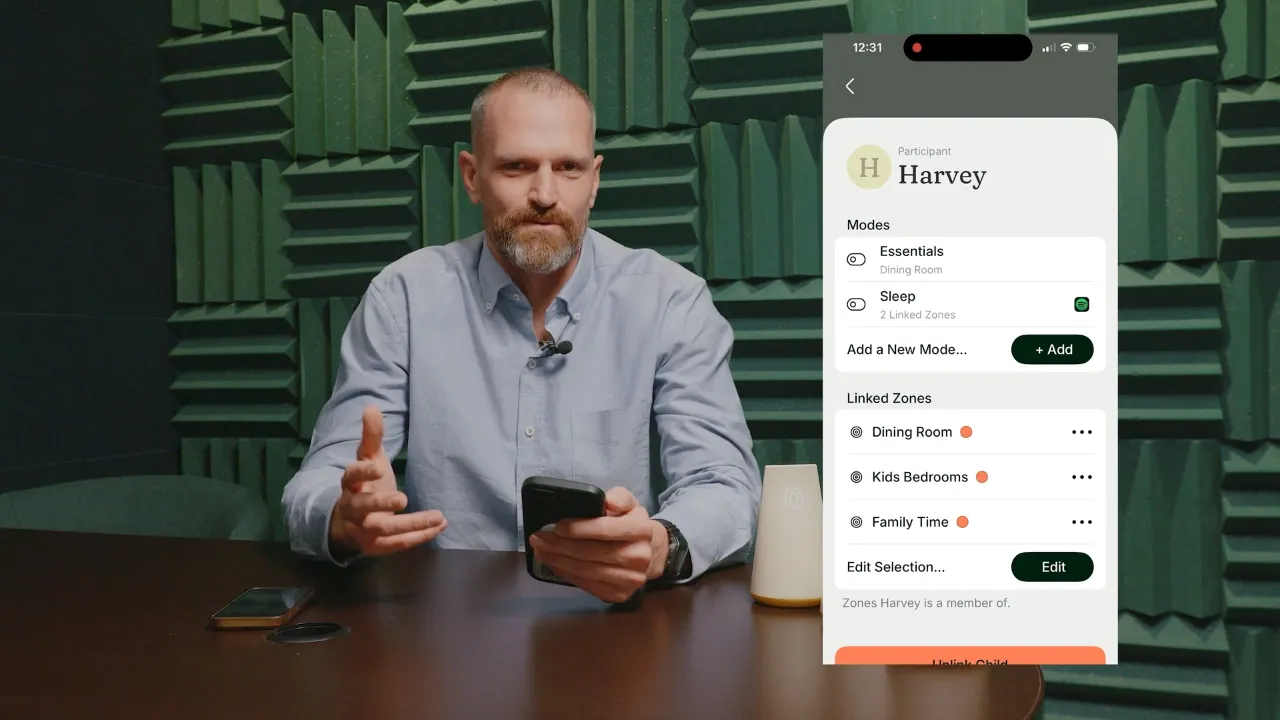
Yes, parents can create Modes for their children, and assign those Modes to specific Zones.

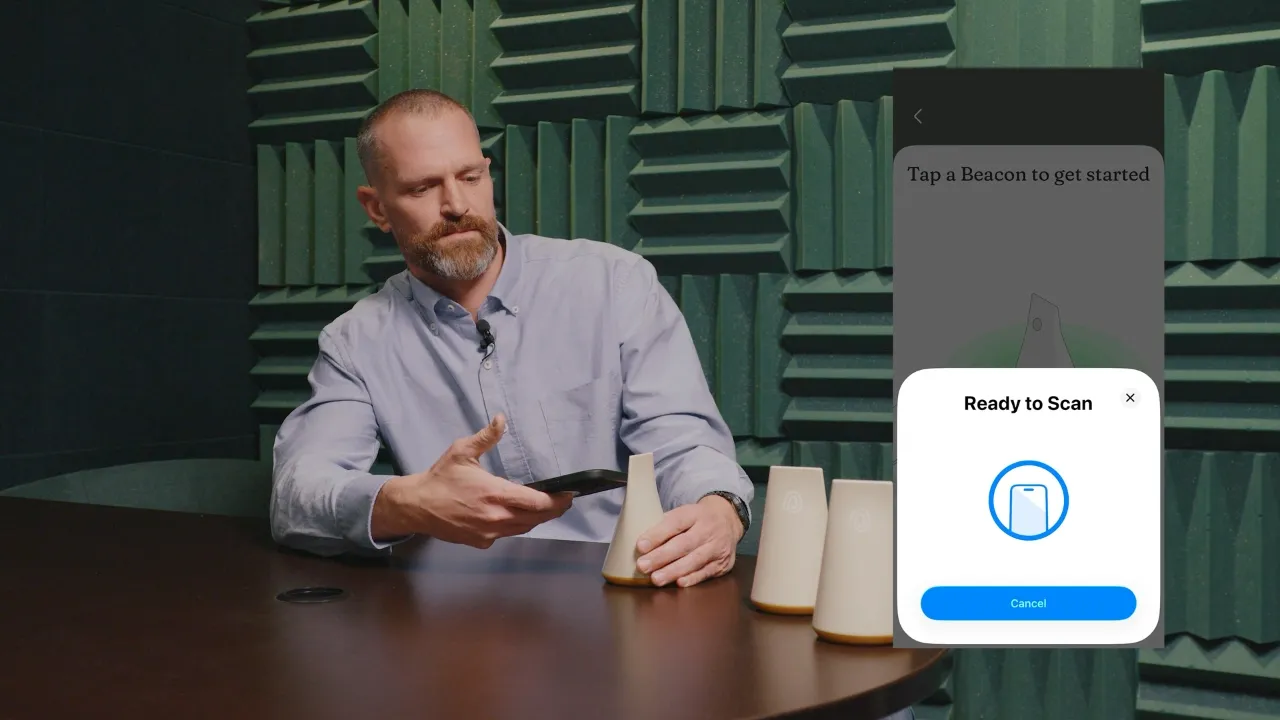
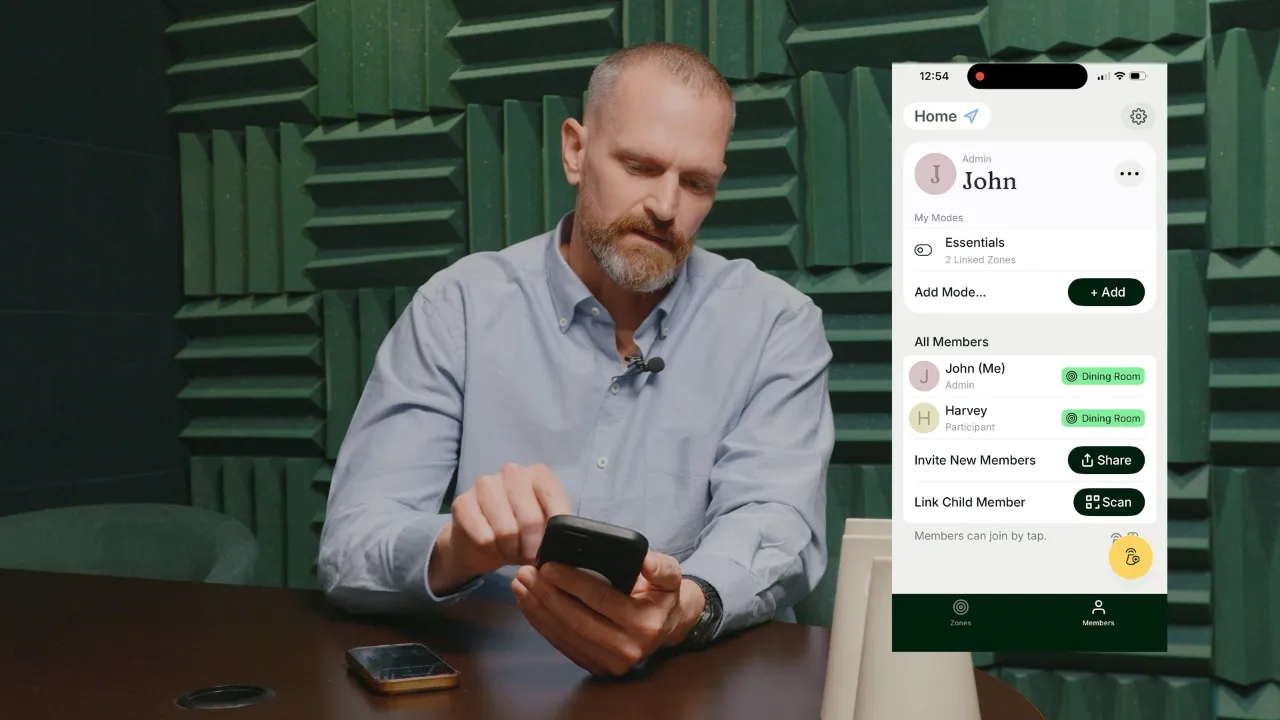
First, your child should join one of your Analog Zones. They will then see a "Pair with Parent" button on their profile page in the Analog app. This will generate a QR code for you to scan, which links you as their parent. You can then create and edit Modes for your child. It's critical that your child is also in your Family group on iPhone.

Add a member to a Family Sharing group on iPhone

Is my data private?

Yes. Analog doesn't track your app usage, browsing history, or personal data.

When you configure which apps to allow or block, Analog only receives an encrypted permission from Apple's Screen Time system—the specific apps you chose are hidden. Any data shown in the app is processed locally on your device, not on Analog servers.

Do Beacons need WiFi or charging?

No WiFi or charging required.

Beacons run on an enclosed battery that will last years. Rather than using the internet, Beacons broadcast their own short range signal. Beacons ship to you on and ready to use.

Are Analog Zones always on or can they be scheduled?

Zones can be always on, scheduled, or manually activated.

Zones have three activation types. Location — Boundaries apply when in range of the Beacon. Admins can turn Location Zones on or off anytime. Schedule — Boundaries apply during scheduled times when in range of the Beacon. Admins can override the schedule as needed. Manual — Boundaries apply when an Admin activates them, regardless of Beacon range.

Are Location permissions required?

Yes. To automate Zones, Analog needs to know when you're in an Analog Zone.

Your phone detects when it enters or exits your Analog Zones. For that event to be shared with Analog, location permissions must be set to Always Allow. Analog does not store your location history.

What apps can be blocked or allowed?

You decide. Each person can create their own Modes, which are the selection of apps that are allowed in an Analog Zone. Parents can create Modes for their children.

For example, you could create a "Sleep Mode" for bedtime that allows music apps, or a "Homework Mode" that allows educational apps. These Modes can then be assigned to different Zones. There are a some built-in system apps, such as the phone, that remain accessible in all Modes.

How many Beacons do I need?

At least one! You can always add more later to create additional Analog Zones.

Multiple Beacons enable you to create different Zones. You can think of a Zone as a distinct space with its own schedule, members, and member Modes. A single Beacon can cover adjacent rooms.

What about circumvention? Won't my teen find a way around it?

Analog works as a commitment device–it helps your family stick to boundaries you agree to together. It’s designed to be easier to participate in than circumvent.

When Screen Time and Family Sharing are properly set up, parents control child Modes, making circumvention much more difficult for children. Ultimately Analog is more a system of cooperation than control. Success comes from combining proper setup with clear expectations—and parents modeling the behavior they want to see.

iPhone Parental Controls

What devices does Analog work with?

Requires iOS 18.1 or later.

Are Screen Time permissions required?

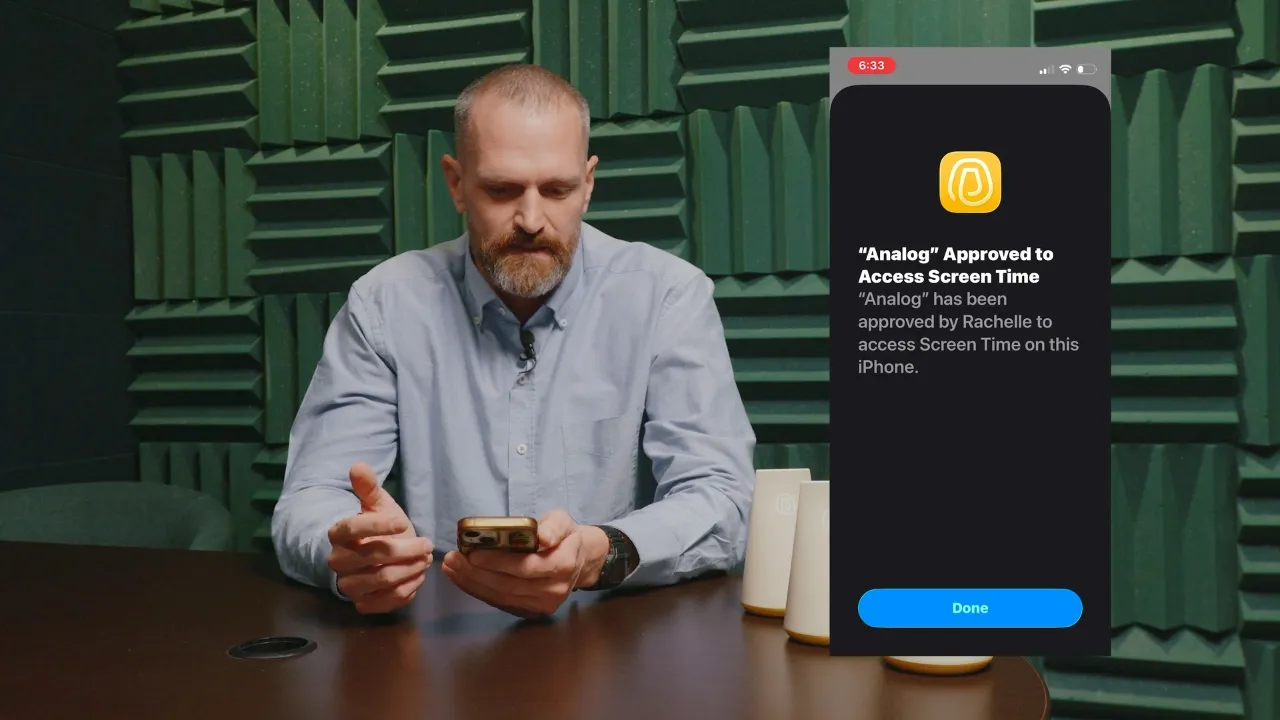
Yes. Analog uses Screen Time to apply your Modes.

Your Modes are private—Analog cannot see which apps you select for yourself or your children. Screen Time permissions are required to apply the Modes you create.

Are Notification permissions required?

Yes. Analog uses Notifications to keep all Zone members in sync.

When making an update to a Zone--for example activating a Manual Zone, turning a Location Zone on or off, or updating a Schedule Zone--notifications keep Zone members in sync.

What if there’s an emergency?

Phone calling is always accessible and operational.

Analog isn't a signal jammer, and some built-in system utilities, including the phone, remain accessible in all Analog Modes.

What apps can be blocked or allowed?

You decide. Each person can create their own Modes, which are the selection of apps that are allowed in an Analog Zone. Parents can create Modes for their children.

For example, you could create a "Sleep Mode" for bedtime that allows music apps, or a "Homework Mode" that allows educational apps. These Modes can then be assigned to different Zones. There are a some built-in system apps, such as the phone, that remain accessible in all Modes.

Can I manage my child's app access?

Yes, parents can create Modes for their children, and assign those Modes to specific Zones.

First, your child should join one of your Analog Zones. They will then see a "Pair with Parent" button on their profile page in the Analog app. This will generate a QR code for you to scan, which links you as their parent. You can then create and edit Modes for your child. It's critical that your child is also in your Family group on iPhone.

Add a member to a Family Sharing group on iPhone

How many Beacons do I need?

At least one! You can always add more later to create additional Analog Zones.

Multiple Beacons enable you to create different Zones. You can think of a Zone as a distinct space with its own schedule, members, and member Modes. A single Beacon can cover adjacent rooms.

Is my data private?

Yes. Analog doesn't track your app usage, browsing history, or personal data.

When you configure which apps to allow or block, Analog only receives an encrypted permission from Apple's Screen Time system—the specific apps you chose are hidden. Any data shown in the app is processed locally on your device, not on Analog servers.

What about circumvention? Won't my teen find a way around it?

Analog works as a commitment device–it helps your family stick to boundaries you agree to together. It’s designed to be easier to participate in than circumvent.

When Screen Time and Family Sharing are properly set up, parents control child Modes, making circumvention much more difficult for children. Ultimately Analog is more a system of cooperation than control. Success comes from combining proper setup with clear expectations—and parents modeling the behavior they want to see.

iPhone Parental Controls

Do Beacons need WiFi or charging?

No WiFi or charging required.

Beacons run on an enclosed battery that will last years. Rather than using the internet, Beacons broadcast their own short range signal. Beacons ship to you on and ready to use.

What devices does Analog work with?

Requires iOS 18.1 or later.

Are Analog Zones always on or can they be scheduled?

Zones can be always on, scheduled, or manually activated.

Zones have three activation types. Location — Boundaries apply when in range of the Beacon. Admins can turn Location Zones on or off anytime. Schedule — Boundaries apply during scheduled times when in range of the Beacon. Admins can override the schedule as needed. Manual — Boundaries apply when an Admin activates them, regardless of Beacon range.

Are Screen Time permissions required?

Yes. Analog uses Screen Time to apply your Modes.

Your Modes are private—Analog cannot see which apps you select for yourself or your children. Screen Time permissions are required to apply the Modes you create.

Are Location permissions required?

Yes. To automate Zones, Analog needs to know when you're in an Analog Zone.

Your phone detects when it enters or exits your Analog Zones. For that event to be shared with Analog, location permissions must be set to Always Allow. Analog does not store your location history.

Are Notification permissions required?

Yes. Analog uses Notifications to keep all Zone members in sync.

When making an update to a Zone--for example activating a Manual Zone, turning a Location Zone on or off, or updating a Schedule Zone--notifications keep Zone members in sync.

Join the newsletter.

© 2026 Analog Co. All rights reserved. Patent Pending.

Join the newsletter.

© 2026 Analog Co. All rights reserved. Patent Pending.

Join the newsletter.

© 2026 Analog Co. All rights reserved.

Patent Pending.